
TLS
OpenSSL · BoringSSL
Read HTTPS requests and responses from applications using OpenSSL or BoringSSL. Use --libssl when your application uses a different library from the system default.
eBPF · Kernel-Level · Real-Time
Read requests and responses over TLS in real time.
No custom CA. No application changes.
OPEN SOURCE / LINUX + ANDROID
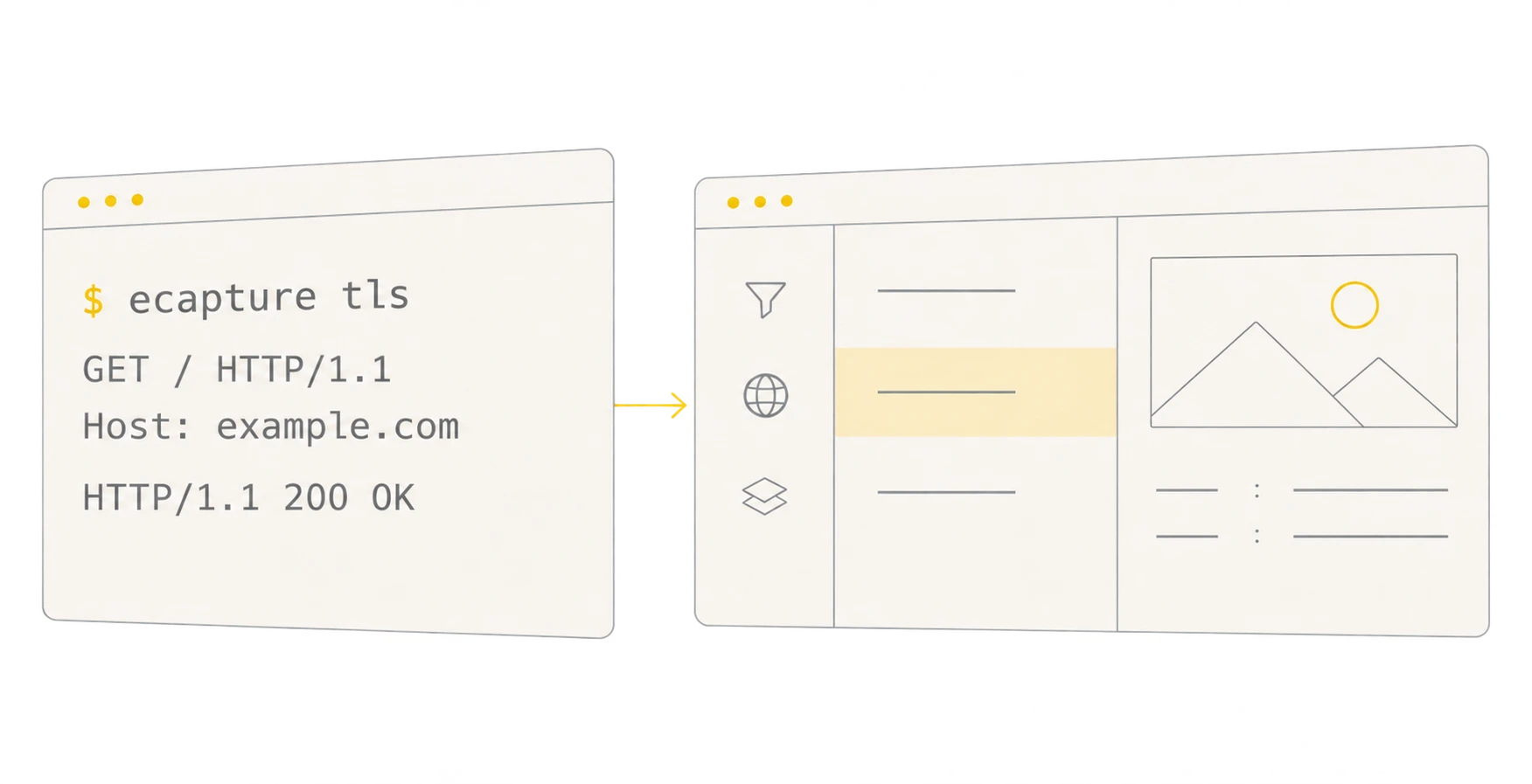
$ sudo ecapture tls

GET / HTTP/1.1
Host: example.com

HTTP/1.1 200 OKObserve without changing apps
Powered by eBPF probes
Decode live HTTP messages
01 / CAPABILITIES
OpenSSL · BoringSSL
Read HTTPS requests and responses from applications using OpenSSL or BoringSSL. Use --libssl when your application uses a different library from the system default.
Go TLS · executable path
Inspect TLS traffic from Go programs. Use --elfpath to select the target executable so eCapture can resolve its Go TLS symbols.
GnuTLS · text · keylog · pcapng
Inspect Linux applications linked to GnuTLS. The probe selects a layout for the installed library version to capture the TLS secrets needed for decryption.
All three probes reconstruct HTTP messages from packets and TLS secrets by default. Use --output capture.jsonl to save structured records or --pcapfile capture.pcapng to save packets and secrets for Wireshark.
$ sudo ecapture tls$ curl https://example.comRun eCapture on a supported Linux host. Once the probe attaches, use an OpenSSL-linked curl in the second terminal. The first terminal shows runtime logs and decoded messages.
| System | Architecture | Minimum kernel |
|---|---|---|
| Linux | x86_64 / amd64 | 4.18+ |
| Linux | AArch64 / arm64 | 5.5+ |
| Linux | LoongArch64 / loong64 | 6.6+ |
| Android | x86_64 / amd64 | 4.18+ |
| Android | AArch64 / arm64 | 5.5+ |
Linux LoongArch64 releases include archive and Debian packages. The upstream test suite also exercises OpenSSL and GoTLS on native LoongArch hardware.
Minimum privileges ↗LoongArch64 build guide ↗v2.12.0 · NOVEMBER 2026Stream capture records to eCaptureQ v1.2.0
Read the upstream changelog ↗ECAPTUREQ / MESSAGE ANALYSIS
Turn the network messages captured by eCapture into a searchable, correlated view you can inspect.
eCapture captures and decrypts. eCaptureQ connects to your sources, correlates messages and displays them. Bring multiple sources into a three-pane view to filter by process, inspect requests and responses, and read TLS metadata supplied upstream.
--stream-listen · WebSocket (ecapture.v2)
02 / IN ACTION
Examples of TLS plaintext, keylog and pcapng capture across supported libraries and protocols.

Open a slide to view the full image